Carousel editing,
right on your phone.

Bring your photos and words together. Edit every layer, build your slides, and make the whole thing yours.

Available for iPhone and iPad

A few things you can make

Editable Pico templates

Simple tools.
Space for your ideas.

Take a closer look at the editor.

Choose a tool preview

Every word,
your way.

Choose a font. Adjust the size, colour and spacing of each text layer.

View full-size capture
The actual Pico editor with a text layer selected and the font picker open, showing serif, sans-serif and handwriting fonts.

Fit the photo
to the layout.

Crop, zoom and frame your photos. Try a circle mask without changing the original image.

View full-size capture
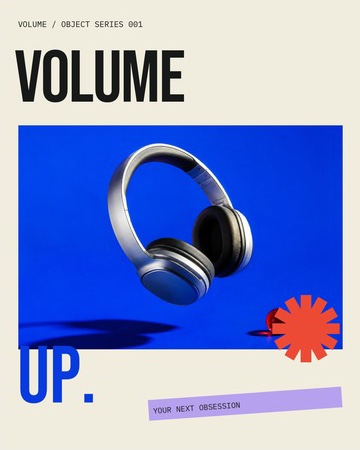
Pico's photo mask controls: the headphone photo has a circular frame, with size, zoom and position sliders below.

The little details
are layers too.

Add shapes, frames and paper tape. Change their colour, opacity and corners.

View full-size capture
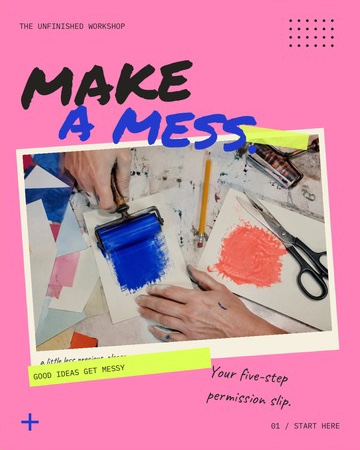
Pico with a paper-tape shape selected on the Make a Mess collage, and the Shape, Colour, Fill opacity, Ratio and Corners tools visible.

One photo.
Across slides.

Let photos and layers cross the edges. Pico splits your continuous canvas into slides when you export.

Five connected Open Coast slides. A beach photograph continues seamlessly across the first two slides, with teal serif titles and cream margins.
Open Coast · 5 connected slides Scroll to explore

Start with a template

Keep the layout. Swap in your photos and words. Every layer stays editable.

Keep your slides together

Add, duplicate and reorder. Your drafts stay on your device for the next edit.

Choose your export

Save a single image or a whole carousel as PNG, JPEG or WebP.

Your next post starts here

Get Pico for iPhone and iPad.

Get Pico